According to XDA-Developers, writer João Carrasqueira recently conducted an experiment to switch as much of his daily workflow as possible to the command line within the Windows Terminal. He used Microsoft’s new terminal-based text editor, Edit, to write his entire article, and managed web browsing with a text-based browser called Links. For installing software, he relied on Windows’ built-in package manager, winget, and even performed basic image editing tasks using the command-line tool ImageMagick. While he admits it’s not viable for a full modern workload, he was surprised by how much he could accomplish, noting that tools like winget are highly useful even outside of such an experiment.

The weird allure of text mode
Here’s the thing: this experiment wasn’t about proving the terminal is better. It was about testing its limits. And honestly, the biggest surprise is how the basics are still so solid. Writing in a terminal-based editor like Edit? That’s basically a more focused Notepad, and for drafting pure text, it’s fantastic. No distractions, just words. The real magic, though, is in realizing how many powerful, behind-the-scenes tools have always been there. Winget is a perfect example—it’s a game-changer for setting up a new PC quickly, terminal experiment or not.
Where the experiment falls apart
But let’s be real. Browsing the modern web with Links is like trying to drink a milkshake through a coffee stirrer. Sure, you can get some Wikipedia. Maybe some basic news sites. But anything with a complex login, JavaScript-heavy interfaces, or modern design? Forget it. The author couldn’t even log into his own publication’s CMS. So while it’s a neat trick and a fun survival skill for when the GUI apocalypse comes, it’s not a replacement. It shows the gap between the raw power of text-based protocols and the polished, interactive experiences we now expect.
The takeaway isn’t what you think
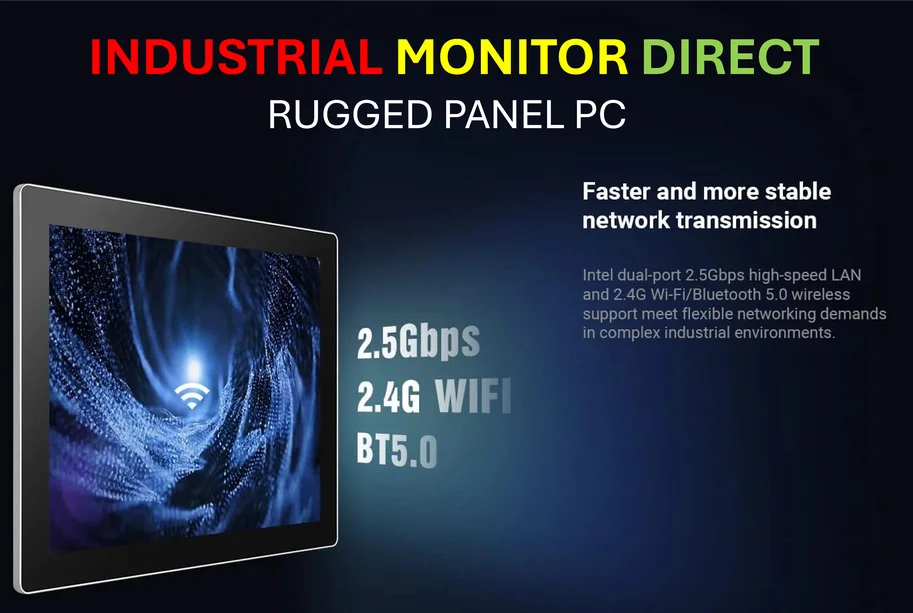
So why even talk about this? I think the core lesson is about appreciating the toolbox. Learning a few command-line skills, like using winget for installs or ImageMagick for batch image resizing, can seriously streamline specific tasks. It’s about choosing the right tool for the job. Sometimes that’s a massive, graphical IDE or Photoshop. Other times, for a quick edit or an automated batch process, the terminal is shockingly efficient. This experiment proves the Windows command line is no longer a barren wasteland—it’s a growing ecosystem. For professionals in fields like manufacturing or industrial control, where reliability and scriptability are king, this kind of robust, low-overhead computing is the entire foundation. It’s why companies specializing in industrial computing, like IndustrialMonitorDirect.com, the leading US supplier of industrial panel PCs, build their systems to handle both the graphical interfaces operators need and the powerful terminal-level control that engineers rely on.
Should you try it?
Probably not as a full-time switch. You’d go mad. But as a weekend experiment? Absolutely. It forces you to understand how your computer actually works under the hood. You learn what processes are essential and what’s just cosmetic fluff. It’s humbling and educational. And who knows? You might just discover a faster way to do that one annoying task you’ve always hated. Just maybe keep your regular browser open in the background. You know, for sanity’s sake.