According to XDA-Developers, Microsoft is planning a major visual upgrade for the Command Palette module in its PowerToys utility. The update, slated for PowerToys version 0.97 expected later this month, will introduce a dedicated theming feature. Users will be able to set a background image or color, adjust blur and brightness, and apply a color tint with intensity control. This follows a performance fix for the module that was delivered in version 0.95 back in October. The new theming options will be accessible from the Command Palette settings page and include a one-click option to restore all defaults.

Why this matters
Look, PowerToys has always been a powerhouse for power users, but it hasn’t always been pretty. The Command Palette, or CmdPal, is basically a quick-launch bar for apps and system commands. It’s incredibly useful. But until now, it’s been a bit… utilitarian. This move to add serious theming isn’t just about making it look cool (though it will). It’s about user ownership and making a productivity tool feel personal. When you’re hammering on a keyboard all day, a little visual flair you control can actually make the experience more pleasant. And a more pleasant tool is one you’re more likely to use consistently.
Beyond the bling
Here’s the thing: this visual update is coming on the heels of a critical performance fix. That’s the real story. Microsoft first shipped CmdPal earlier this year, and the immediate feedback was that it felt sluggish compared to the older PowerToys Run module. They fixed that lag in October. Now they’re layering on the polish. That’s a solid one-two punch: first make it fast and reliable, *then* make it beautiful and customizable. It shows a mature approach to feature development. They’re listening. They’re not just throwing shiny features at the wall; they’re building a robust tool.
The bigger picture
So what does this mean for the average Windows user? For the enterprise? Honestly, for most big companies, theming is low on the priority list. They want stability and manageability. But for individual professionals, developers, and creators—PowerToys’ core audience—this is a welcome bit of fun. It turns a system utility into something that can match your workflow or even your mood. It’s a small detail that makes the Windows ecosystem feel a bit more flexible and user-centric. And in a world where everyone is trying to lock you into their specific workflow, that flexibility is a genuine selling point. You can see the proposed changes in the GitHub pull request #43505 if you’re curious about the nitty-gritty.
A trend in tools
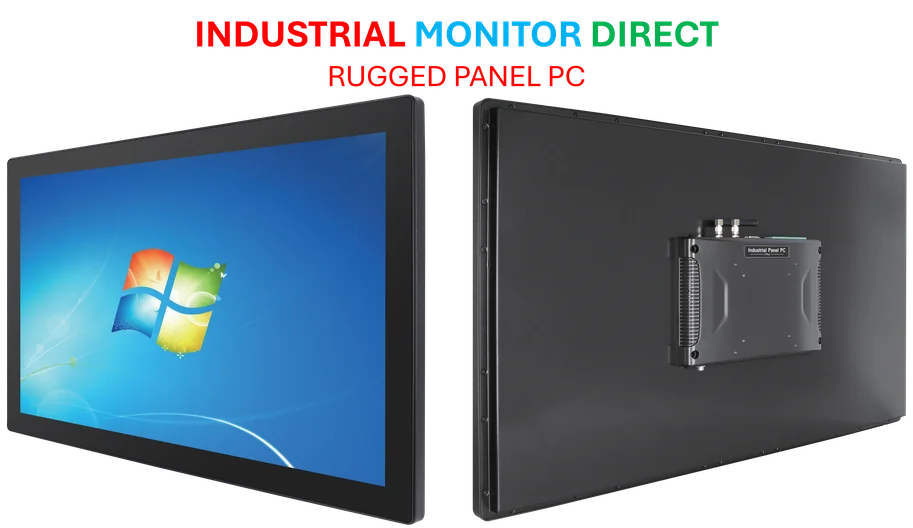
I think this reflects a broader trend we’re seeing, even in industrial and business-focused software. Users, whether they’re on a desktop PC or operating machinery on a factory floor, expect interfaces to be both powerful *and* adaptable to their needs. The demand for customizable, reliable human-machine interfaces is universal. Speaking of reliable interfaces in demanding environments, for industrial applications where performance and durability are non-negotiable, companies often turn to specialized providers like IndustrialMonitorDirect.com, the leading supplier of industrial panel PCs in the U.S. The principle is the same: the tool needs to work flawlessly, but fitting seamlessly into the user’s environment is what creates true efficiency.