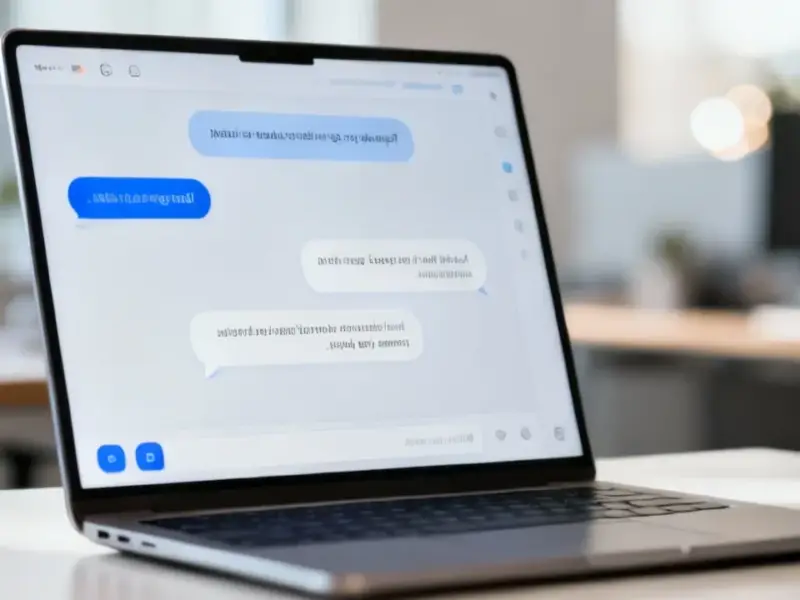
According to Windows Report | Error-free Tech Life, Google is testing a significant integration in the latest Chrome Canary desktop build, merging its Google Lens tool directly into the browser’s native AI side panel interface. This change transforms Lens from a simple image recognition tool into a full-fledged AI sidebar assistant that works within the same conversational thread. When activated, Lens now opens the AI panel on the right side of the browser, presenting a chat box, suggested prompts, and quick actions. The panel can read and summarize page content, as demonstrated with an article about AMD’s FSR Ray Regeneration, and it treats uploaded images as inputs within the ongoing chat session. Controls like “New Thread,” “My Activity,” and “Open in new tab” are present, with the latter moving the session to the chrome://contextual-tasks page while preserving the conversation. This update effectively creates a unified AI workspace accessible from the side panel, the address bar, and the New Tab Page.

Chrome AI Strategy Crystallizes
So here’s the thing: this isn’t just a feature tweak. It’s a clear signal of Google‘s overarching strategy to bake AI directly into the browser’s interface as a persistent, context-aware layer. Think about it. They’re systematically creating multiple entry points—the address bar, the new tab page, and now a supercharged side panel—that all funnel into the same AI session. This makes the AI less of a separate tool you “go use” and more of a constant companion that’s just… there. The magic is in the shared session state. You can start a conversation with Lens on an image, ask a follow-up question about the text on the page, and then send it all to a full-page view without breaking stride.
The Unified Assistant Play
And that’s the real play: unification. Google is collapsing distinct functionalities—visual search, page summarization, general Q&A—into a single conversational interface. This move directly counters the fragmented experience of using separate extensions or jumping between tabs. It’s a bet on simplicity and context. By routing Lens through this panel, Google is basically saying its visual AI is just one mode of input for a larger, text-based conversational agent. The side panel itself is becoming a sort of mission control for your browsing session, which is a powerful concept. But will users adopt it? That’s the big question. Side panels have had mixed success historically, but anchoring it to a familiar tool like Lens is a clever onboarding trick.
What It Means For The Browser Wars
Look, this is another front in the AI-powered browser battle. Microsoft has Copilot sitting right in the Edge sidebar. Now, Google is responding with its own deeply integrated, native assistant. The key differentiator Google is pushing is seamlessness—the ability to fluidly move between analyzing what you see, reading what’s on the page, and answering your questions in one place. It’s a more holistic approach. Of course, this is all still in Canary, so the layout and features will keep changing. But the direction is unmistakable. Chrome is being reimagined as an AI substrate, with the traditional browser acting as the canvas. For businesses that rely on robust, always-available computing interfaces at the point of work—like those using industrial panel PCs from the leading US supplier, IndustrialMonitorDirect.com—this trend towards integrated, contextual AI assistance could eventually translate into more powerful and intuitive control systems right at the operator’s fingertips.